If you previously used the Health & Beauty Centre, you already have a dormant account.
You do not need to sign up again.
Follow these steps to reactivate your account:
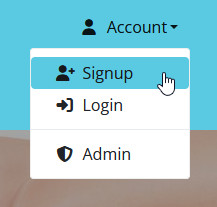
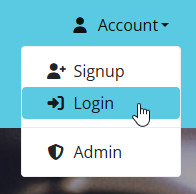
- Open the Account menu at the top right and click Login.
- Click the Forgot password? link (do not use the signup form).
- Enter your email address and mobile number (must begin with 0, no spaces), and set a new password.
- Check your email for a password reset confirmation.
- Return to the login page and enter your email and new password.
- You’ll be asked to activate your account via email.
- Click the Activate My Account link in the email.
- Wait for the final confirmation email that your account is active.
💡 Tip: Make sure your mobile number is entered correctly (starting with 0 and no spaces).
For a full walkthrough, see our Legacy Login Guide.