Login Guide for Legacy Customers
If you have used the Health and Beauty Centre in the past, you already have a dormant account in our system. You do not need to sign up again. Follow this simple guide to reactivate your account and log in.
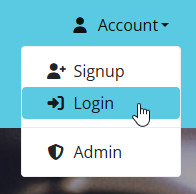
Open the Account menu at the top right and click Login.
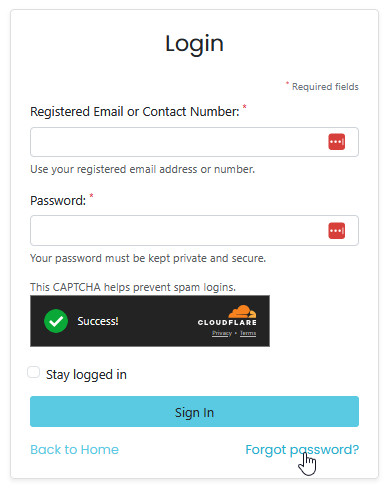
Legacy customers should not use the signup form. Instead, click the Forgot password? link.
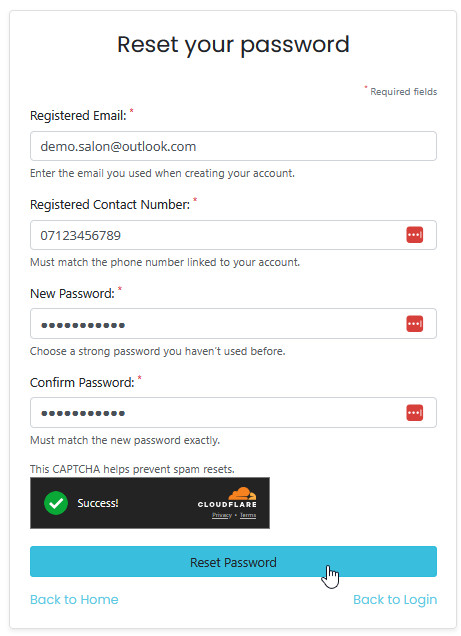
Enter the email address and mobile number you previously used with the Health and Beauty Centre.
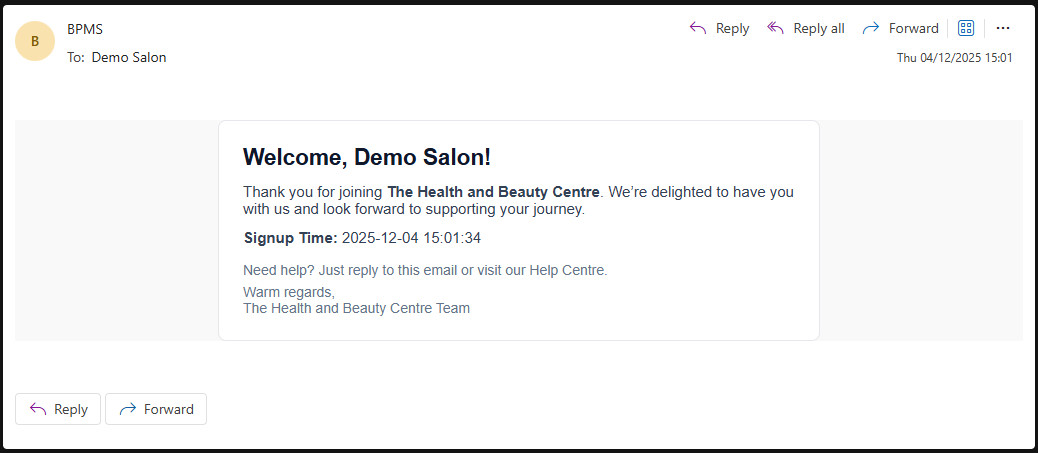
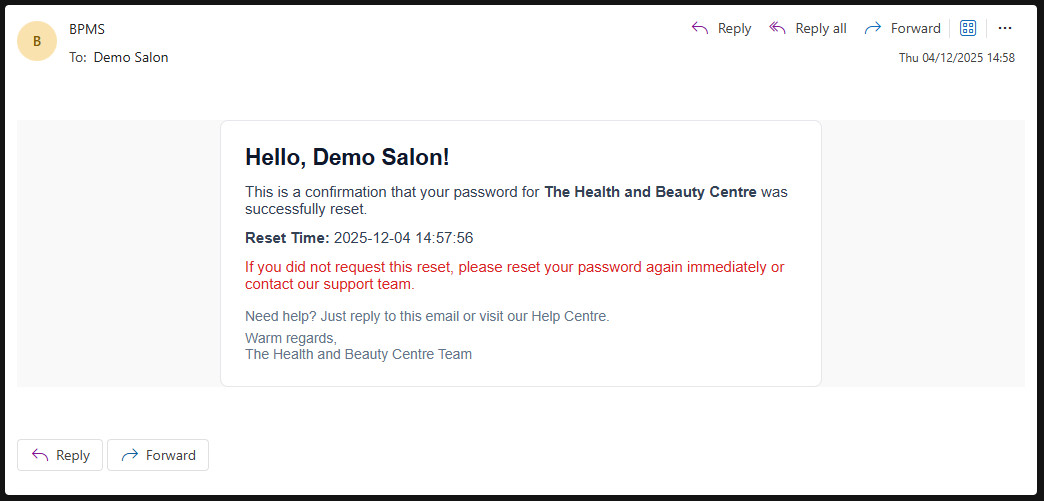
You will receive an email confirming that your password has been changed successfully.
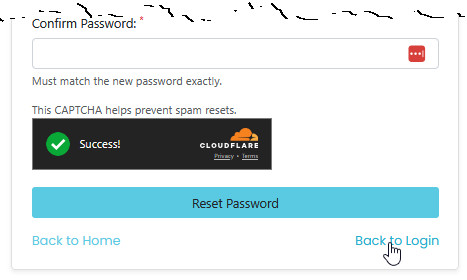
After completing the reset, return to the login page.
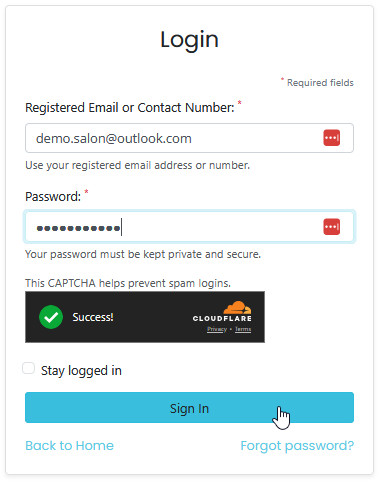
Enter your email address and the new password you have just created.
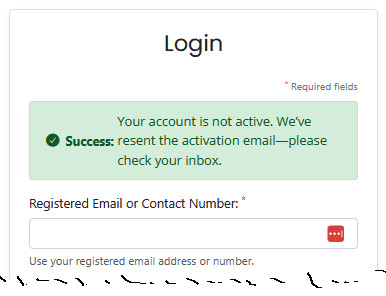
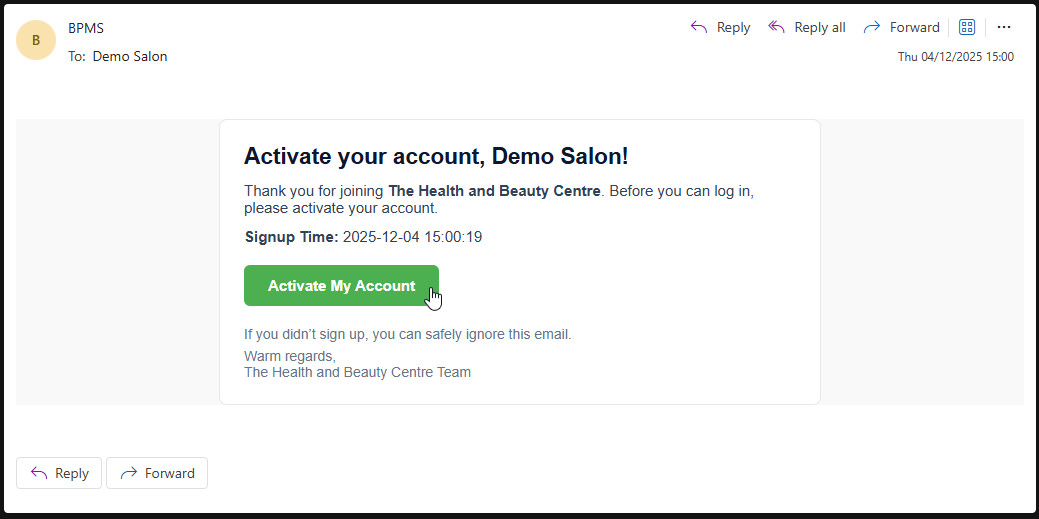
Because your account was dormant, you must now activate it by email.
Open the activation email and click the Activate My Account link.
You will receive a final email confirming your account is now active and ready to use.