Signup Guide
This quick guide walks you through creating your new account, activating it by email, and getting ready to log in.
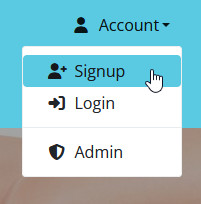
Click the Account menu at the top right (hamburger menu on mobile), then choose Signup.
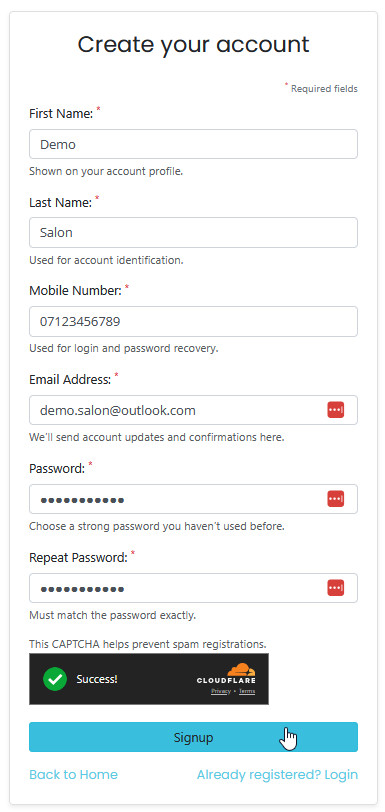
Enter your full name, email, mobile number, and password.
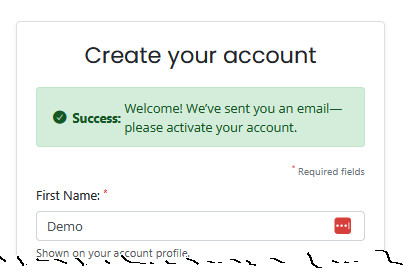
After submitting the form, you’ll see a message confirming that an activation email has been sent.
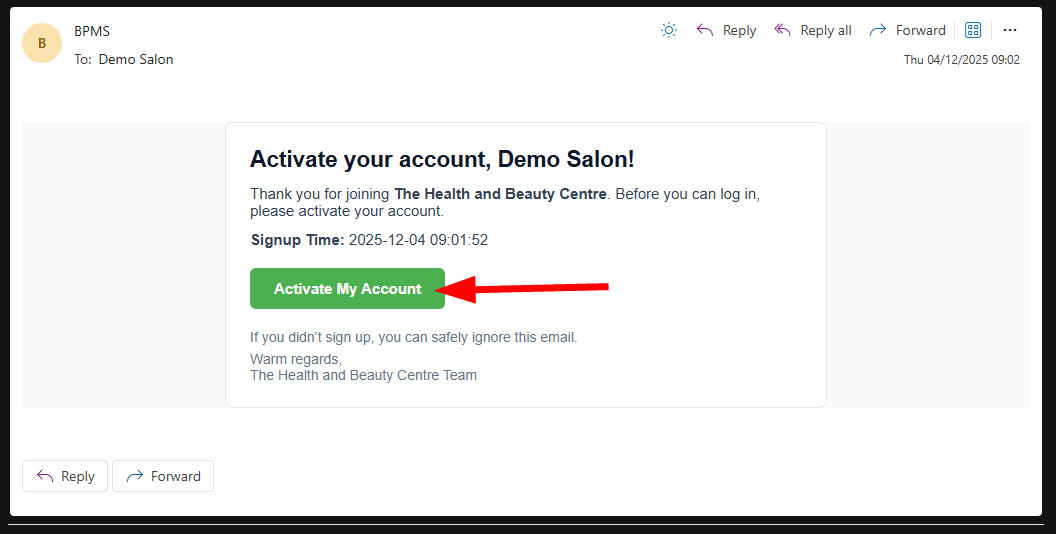
Look for an email from us with the subject “Activate Your Account”. Click the activation link inside.
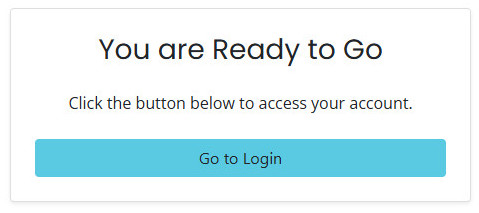
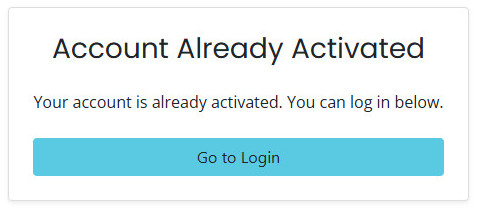
If the link is valid, you'll see one of the screens below:
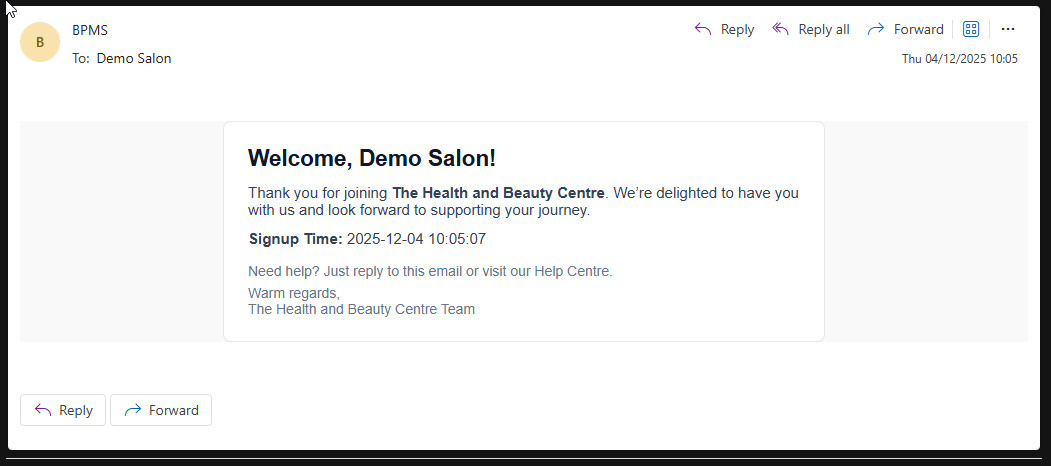
After activation, you’ll receive an email confirming your account has been created.
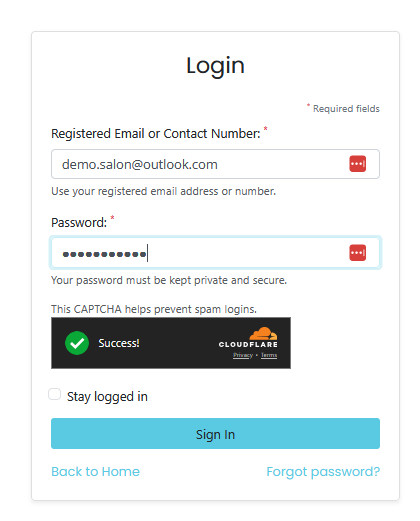
Your account is fully set up. Return to the website, open the Account menu, and log in.