Booking Guide
Follow these steps to book a treatment or offer at The Health and Beauty Centre.
You must be logged in to book a treatment.
Click the Book Salon button to display the booking form.
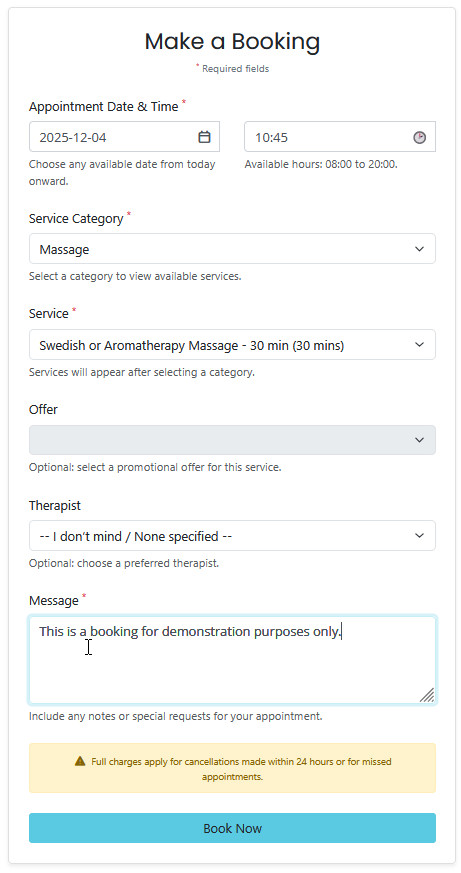
This is the booking form. Choose your date, time, and select the treatment or offer you want.
You can also provide a message with your booking.
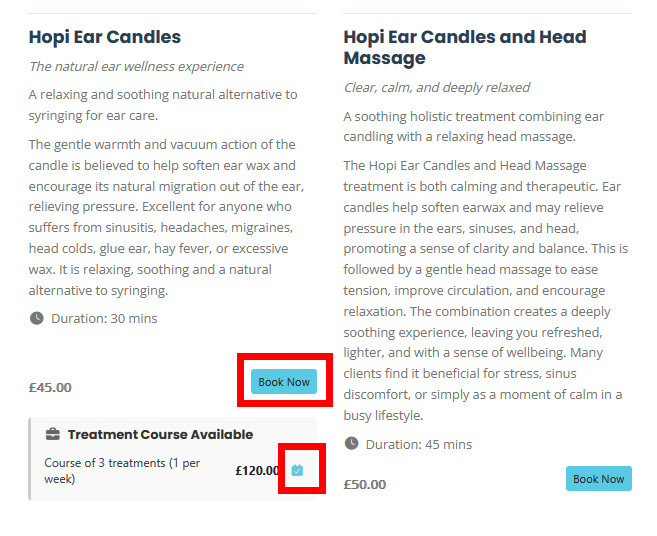
You can also book a specific treatment directly without opening the main booking page.
This will pre-fill the booking form automatically.
Click Book Now on the booking form.
You should see a confirmation message that your booking request was sent.
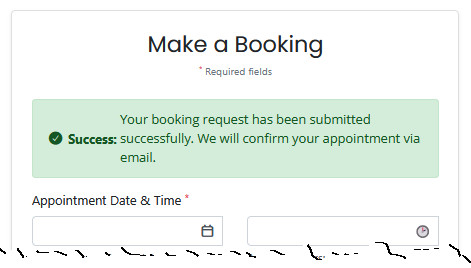
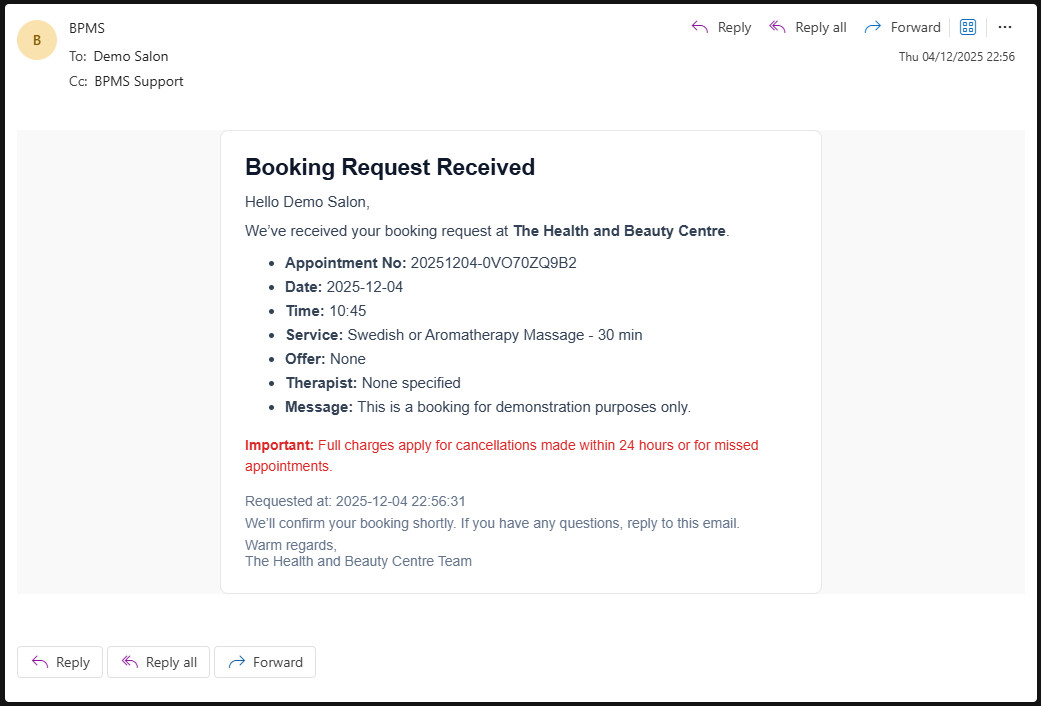
You will receive an email confirming that your booking request has been received.